Govee LED Ceiling Light, 2400LM Smart RGBIC Flush Ceiling Lights 24W Work with Alexa & Google Assistant, for Bedroom Living Room, Round, Ø30cm
£69.99






Product Description
The video showcases the product in use.The video guides you through product setup.The video compares multiple products.The video shows the product being unpacked. Govee LED Ceiling Light Merchant video


1 DIY Light Show
2 DIY Lighting Mode
3 Music Modes


1 Voice Control
2 Rhythm Lighting
3 Easy to Install

Govee Home Decor Lights
Add To Basket
Add To Basket
Add To Basket
Add To Basket
Add To Basket
Add To Basket
Add To Basket
Customer Reviews
4.6 out of 5 stars 1,971
4.5 out of 5 stars 441
4.6 out of 5 stars 1,971
4.6 out of 5 stars 6,555
4.6 out of 5 stars 367
4.6 out of 5 stars 1,667
4.5 out of 5 stars 593
Price
£69.99£69.99
£99.99£99.99
£69.99£69.99
£13.99£13.99
£19.99£19.99
£31.99£31.99
£10.99£10.99
Support Matter
✘
✔
✔
✘
✔
✘
✘
Color
RGBIC+RGBWW
RGBICWW+RGBICWW
RGBIC+RGBWW
RGBWW
RGBWW
RGBWW
RGBICWW
Size
Ø30cm
Ø38cm
30cm
2 pack
2 pack
4 pack
1 pack
Scene Mode
71
66
103
54
54
56
64
Control Method
APP&Voice Control
APP&Voice Control
APP&Voice Control
APP&Voice Control
APP&Voice Control
APP&Voice Control
APP&Voice Control
Brightness
2400LM
4300LM
2400LM
800LM
450LM
400LM
1000LM
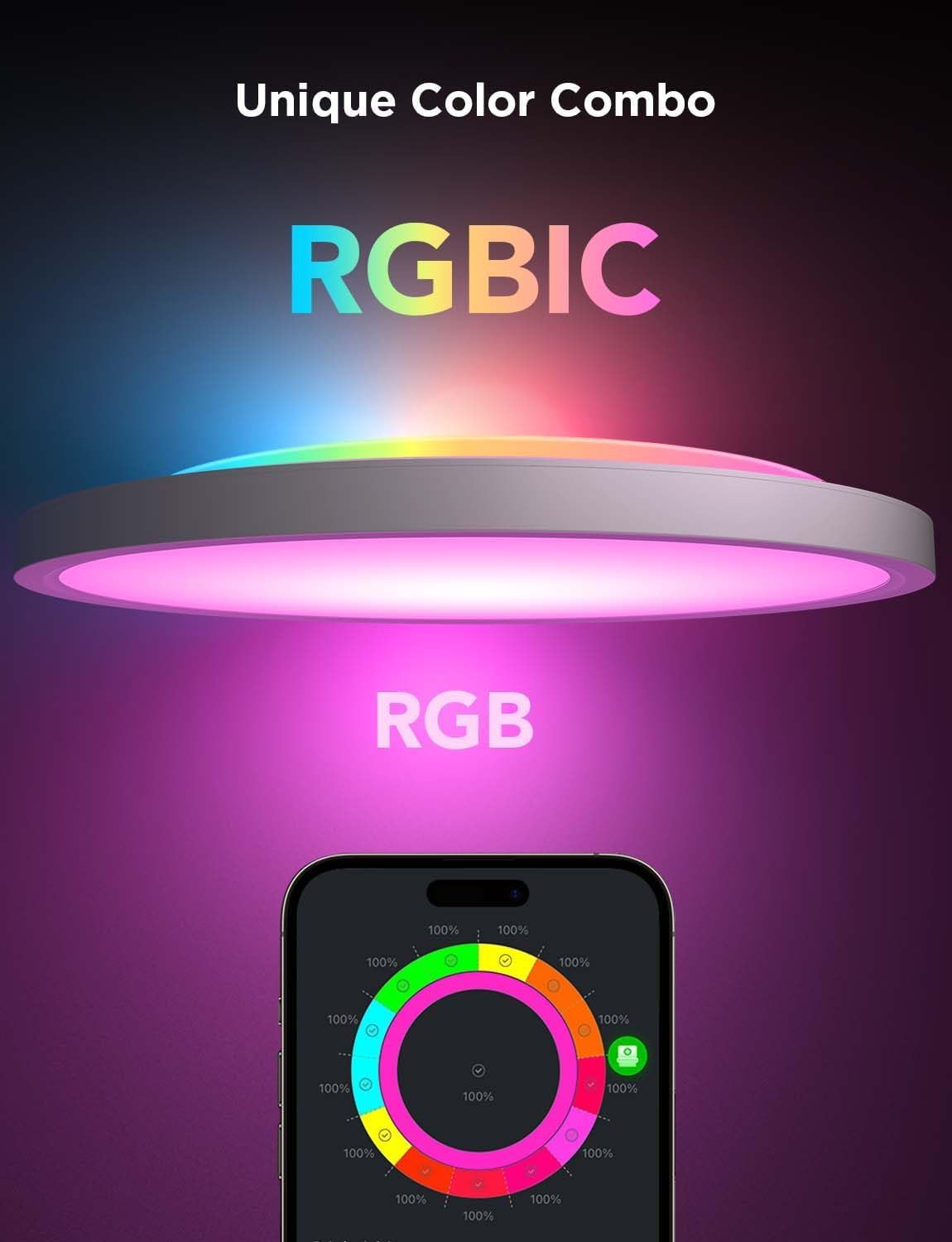
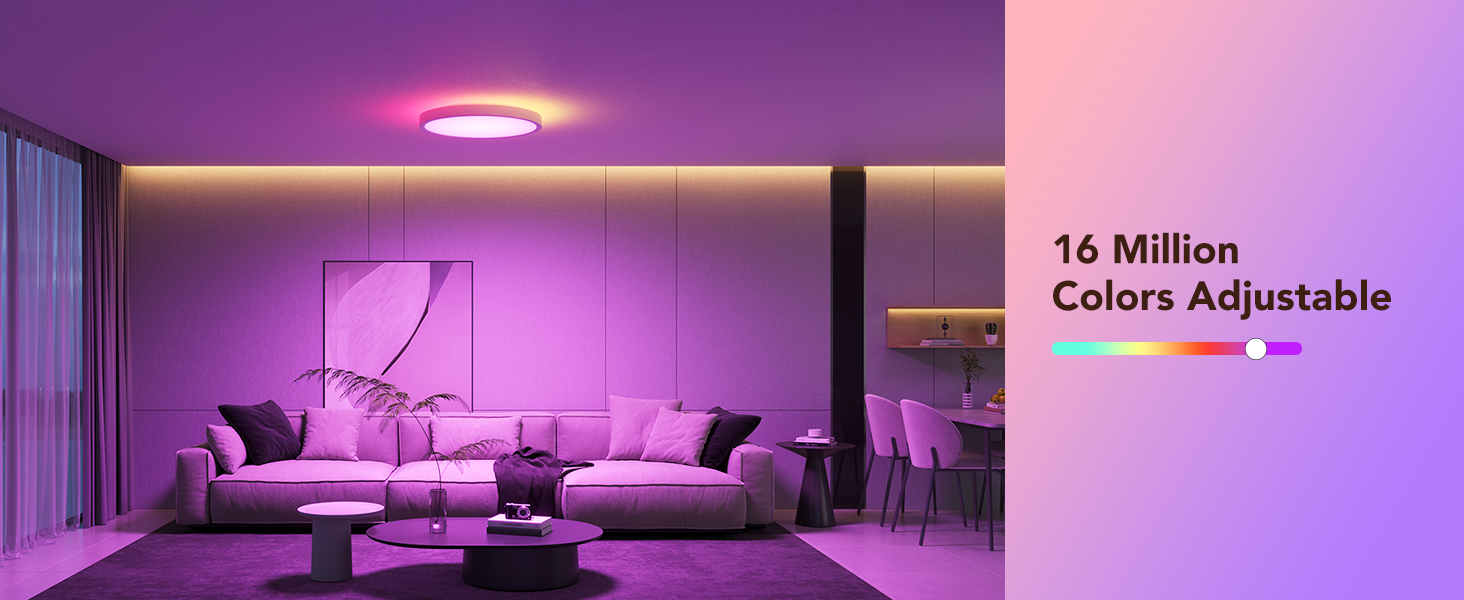
Endless Colors & Scenes: Explore the LED ceiling light’s 16M colours & 70+ scenes with Govee app. RGBWW main light + RGBIC edge lights switches between cinema, party, and reading modes to create stunning lighting effects for your room
Safe & Comfortable Light: Frame and back plate of the Govee ceiling light crafted with UL94 5VA flame-retardant material. Combined with flicker-free LEDs (CRI>80) for comfort and reliable home lighting
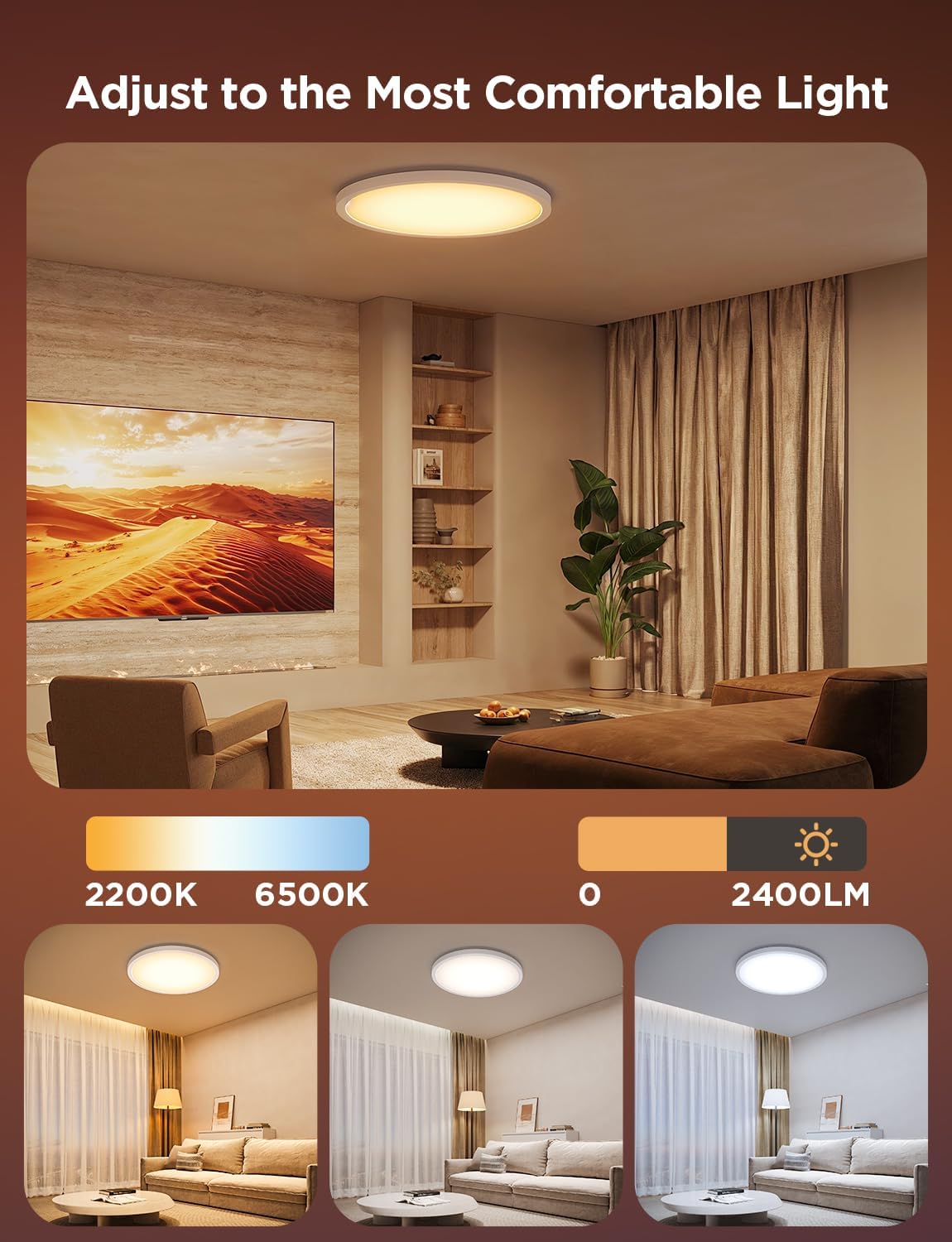
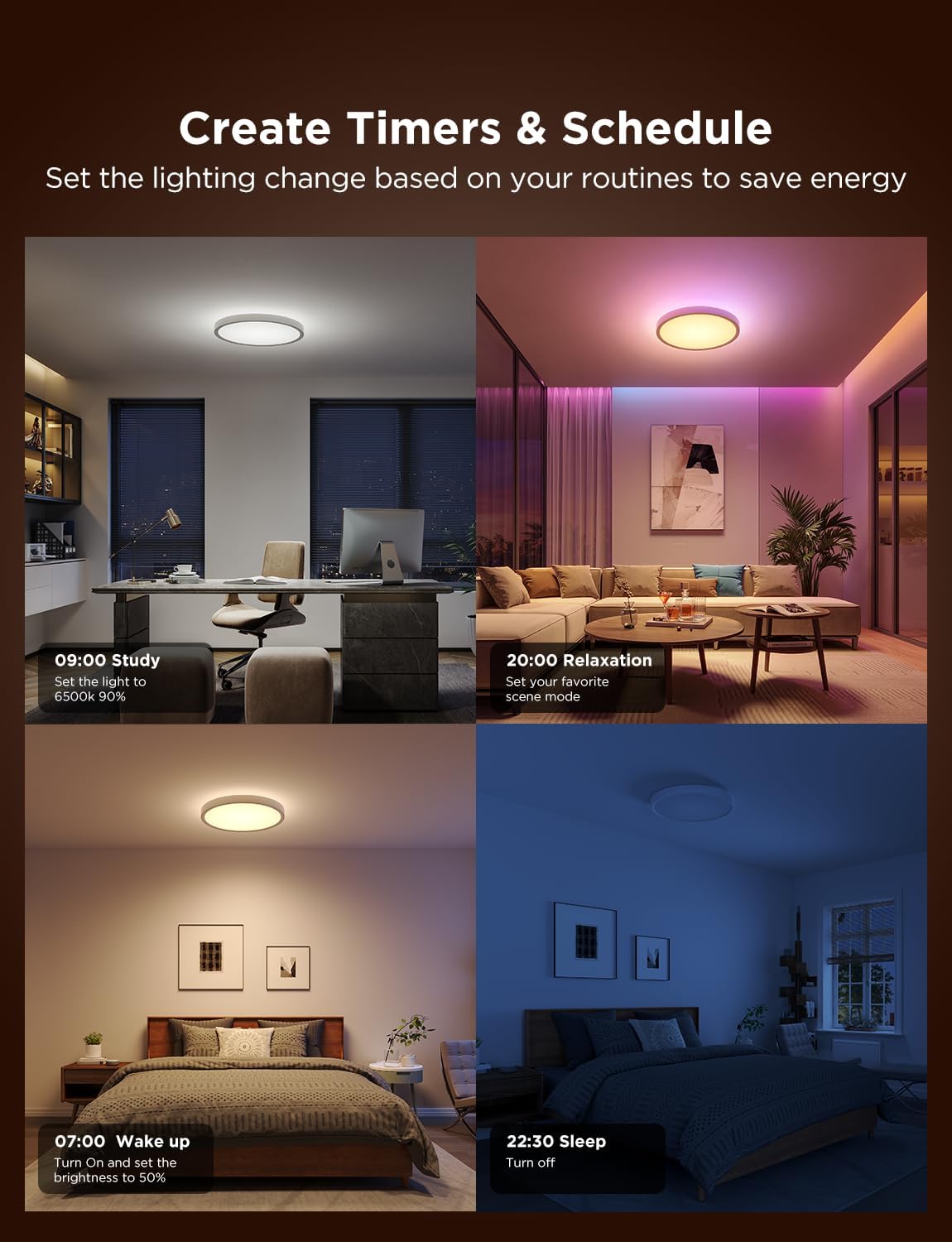
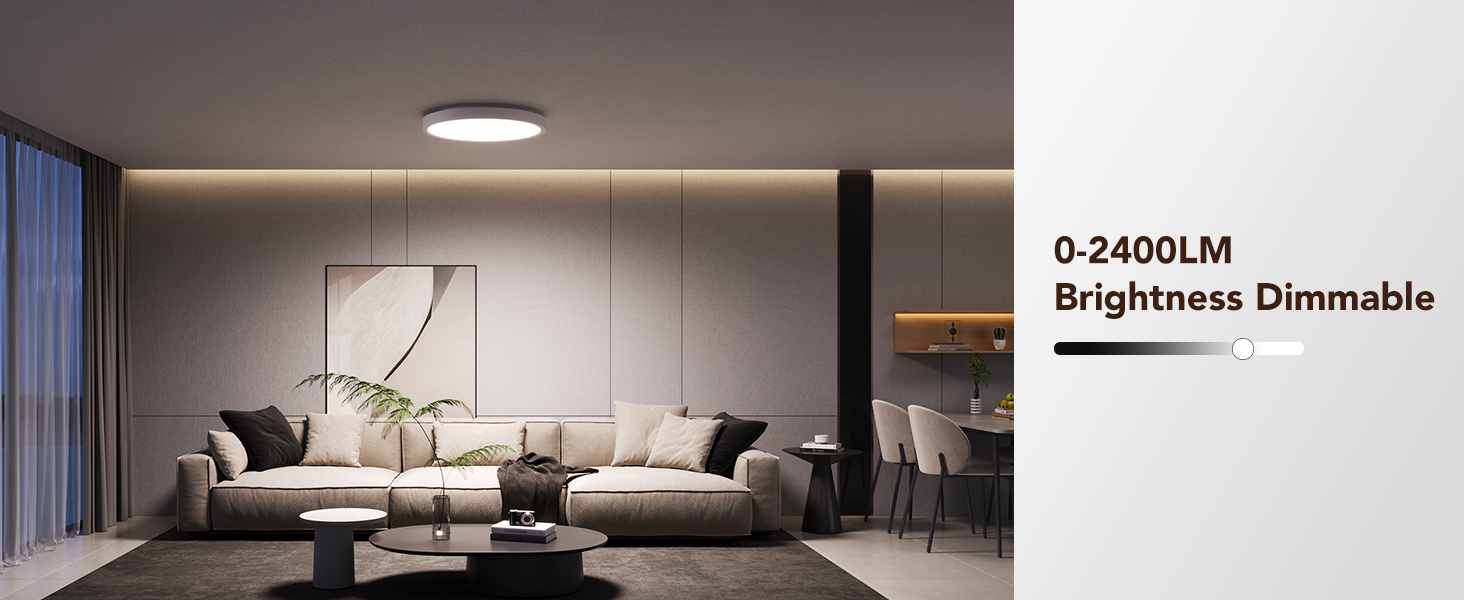
Ideal Light for Every Moment: 2400LM brightness covers 20m², and the bedroom ceiling light has 1-100% smooth dimming & auto colour memory (2200K warm reading → 6500K bright kitchen tasks)
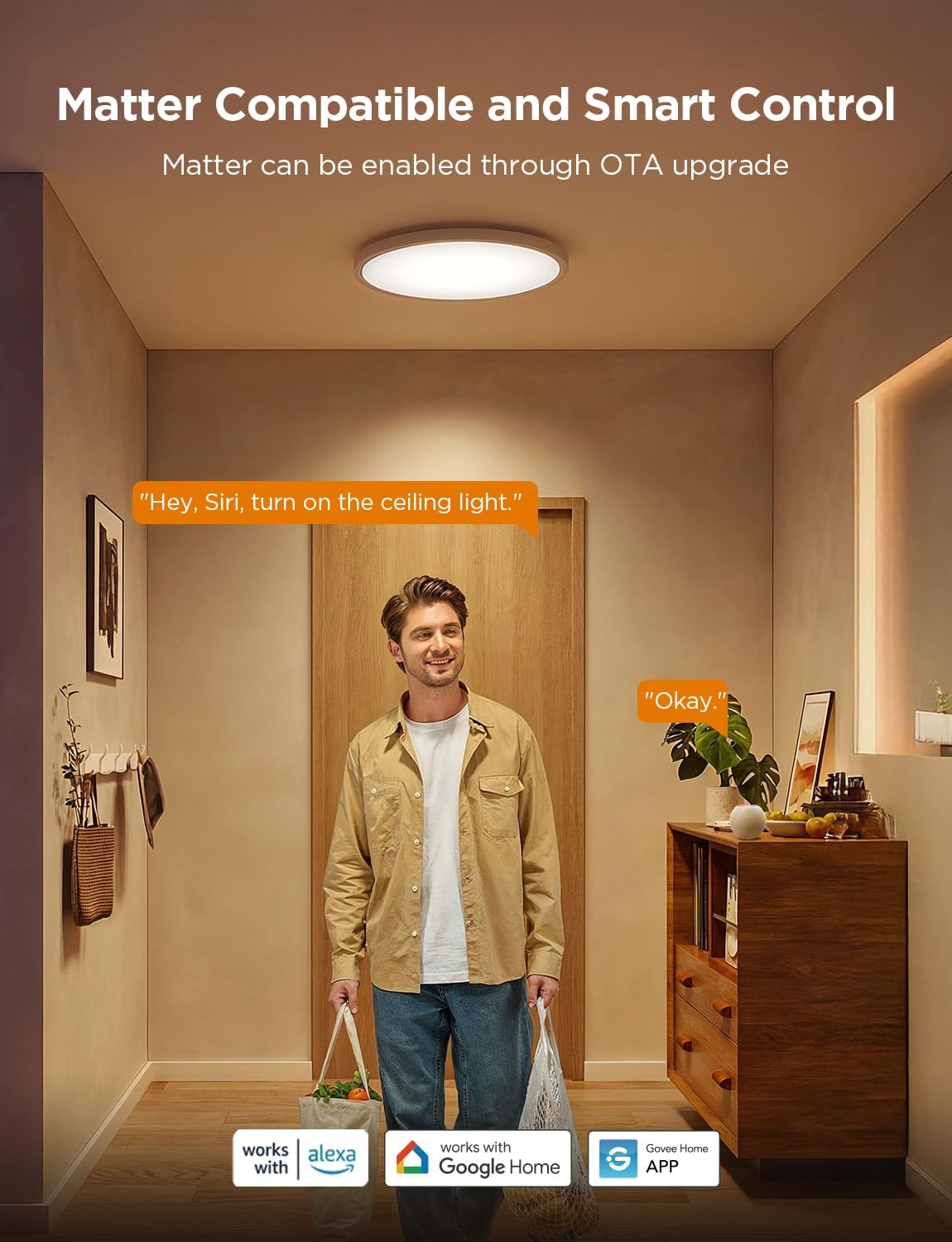
Effortless Smart Living at Your Command: The flush ceiling lights can be voice-controlled via Alexa/Google Assistant. Adjust brightness, set schedules, or group lights hands-free with the Govee app. Note: Matter not supported
Easy DIY Installation: Ø30cm smart ceiling light installs in 5 steps with included bracket. No electrician needed—Mount the back plate to the ceiling with included accessories, and rotate the ceiling light onto the base plate to complete the installation
To enable Matter via OTA update: Please configure the network for the ceiling light and turn it off before going to bed to automatically perform OTA upgrades. Check the Matter QR code on the device settings page on the next day to confirm the upgrade is complete